What to automate first in a small business (and what to leave alone)
"I want to automate my business" usually starts with a tool. It should start with a list. A one-hour filter to pick the first thing worth automating, and the things that only make a mess faster.
"I want to automate my business."
When an owner says that, the usual next step is to look for a tool. We'd start somewhere else: with a list of what your team did last week.
Automation makes a process faster. If the process is clear, that's great. If it isn't, you get the same confusion, only quicker and harder to see.
Four questions before you automate anything
- Does it repeat, with the same steps? Every week, ideally every day. Something you do twice a year isn't worth the setup.
- Is it written down? If the steps only live in one person's head, write them first. You'll often find two people doing it two different ways.
- Who notices if it fails? An automation that breaks quietly is worse than a manual task. Decide who checks it, and how often.
- Who owns it afterwards? Not "the system". A person, by name.
If a task passes all four, it's a candidate. If it fails one, fix that first. It's usually cheaper than any software.
Good first candidates
In what we see, the best first automations are small, boring and close to the customer:
- A new lead reaches the right person. The form comes in and lands with one named owner, not in a shared inbox where everyone assumes someone else has it.
- The first reply goes out. A real message saying you got the request and when you'll answer. Not a "do not reply" email.
- Follow-up reminders. A deal with no next step and no date shows up on someone's list on Monday.
- Data moving between tools you already pay for. Form to CRM, CRM to invoice, hours to the client record, so nobody copies and pastes the same thing twice.
- A weekly report, but only if it changes a decision. A report nobody acts on isn't a dashboard, it's decoration.
At a small software company serving accounting professionals, time lived in one tool, tickets in another and revenue in the CRM. Nobody could say which clients were over their plan. The recommendation wasn't a new tool. It was to connect the ones they had, so every ticket and every hour lands on the client record with a simple status: within plan, over plan, or at risk.
What to leave alone, for now
- Anything you haven't done by hand at least a few times. You don't know the exceptions yet.
- Conversations that need judgment. A difficult client, a pricing exception, a complaint. Automate the reminder, not the answer.
- Problems that are really about people or priorities. If the team "never does what you ask", a tool won't change that. Clear owners and fewer, clearer rules will.
- Buying a new tool to fix a process problem. You don't need the latest software. You need to get the most out of what you already have.
And AI?
AI is good at drafting, summarizing and sorting: a first reply, notes from a call, which requests are urgent. The same four questions apply, plus one: what's the plan B if the tool is down or changes its price? We wrote about that in What would break if your favourite AI tool disappeared?
A one-hour exercise for this week
Take one hour with whoever does the work, not just the manager.
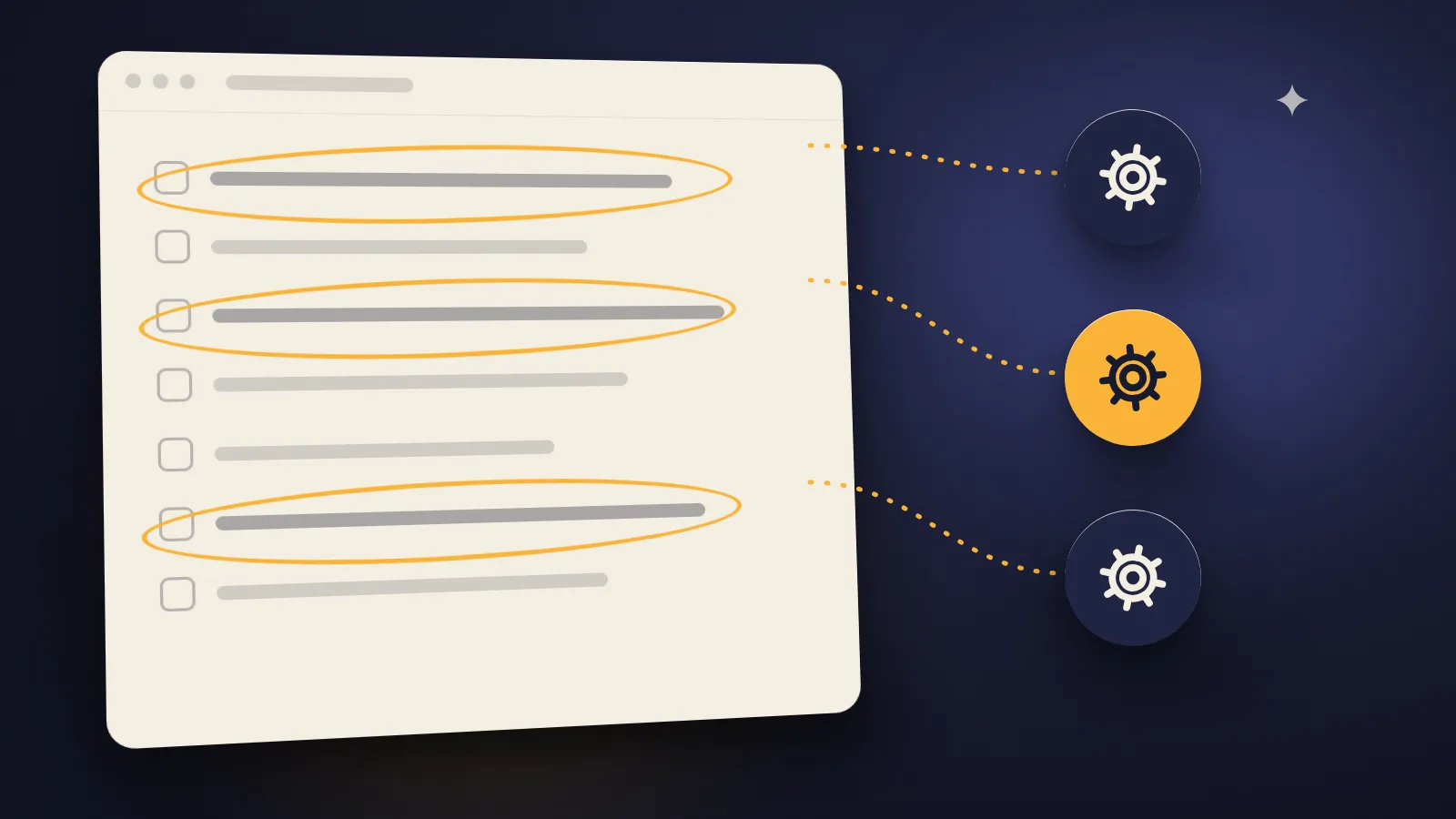
- List every task the team did last week that took more than 15 minutes.
- Mark the ones that happen every week with the same steps.
- For each marked task, answer the four questions above.
- Pick one. Only one. Write its steps down and name its owner.
That's your first automation. Or, quite often, the moment you realize it didn't need software, just a written process and someone in charge of it.